Perform an Exam

Blood Pressure

This exam requires an external device separate from the N9+ kit

Step-by-Step Instructions 

1. Launch the App, and login to your N9+ account

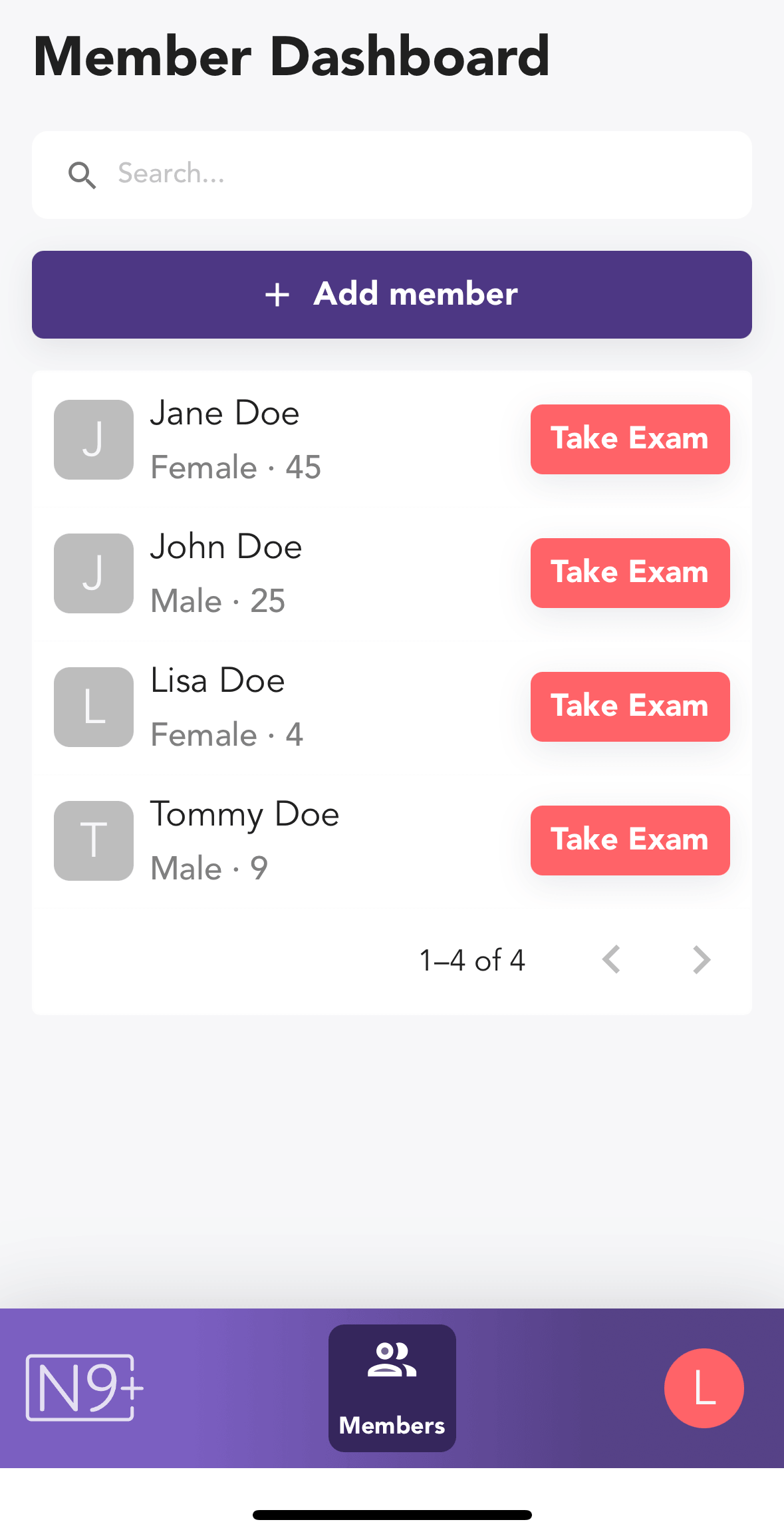
2. In the Member Dashboard, tap the Take Exam button for the patient you wish to perform the exam on

Add Your Tooltip Text Here
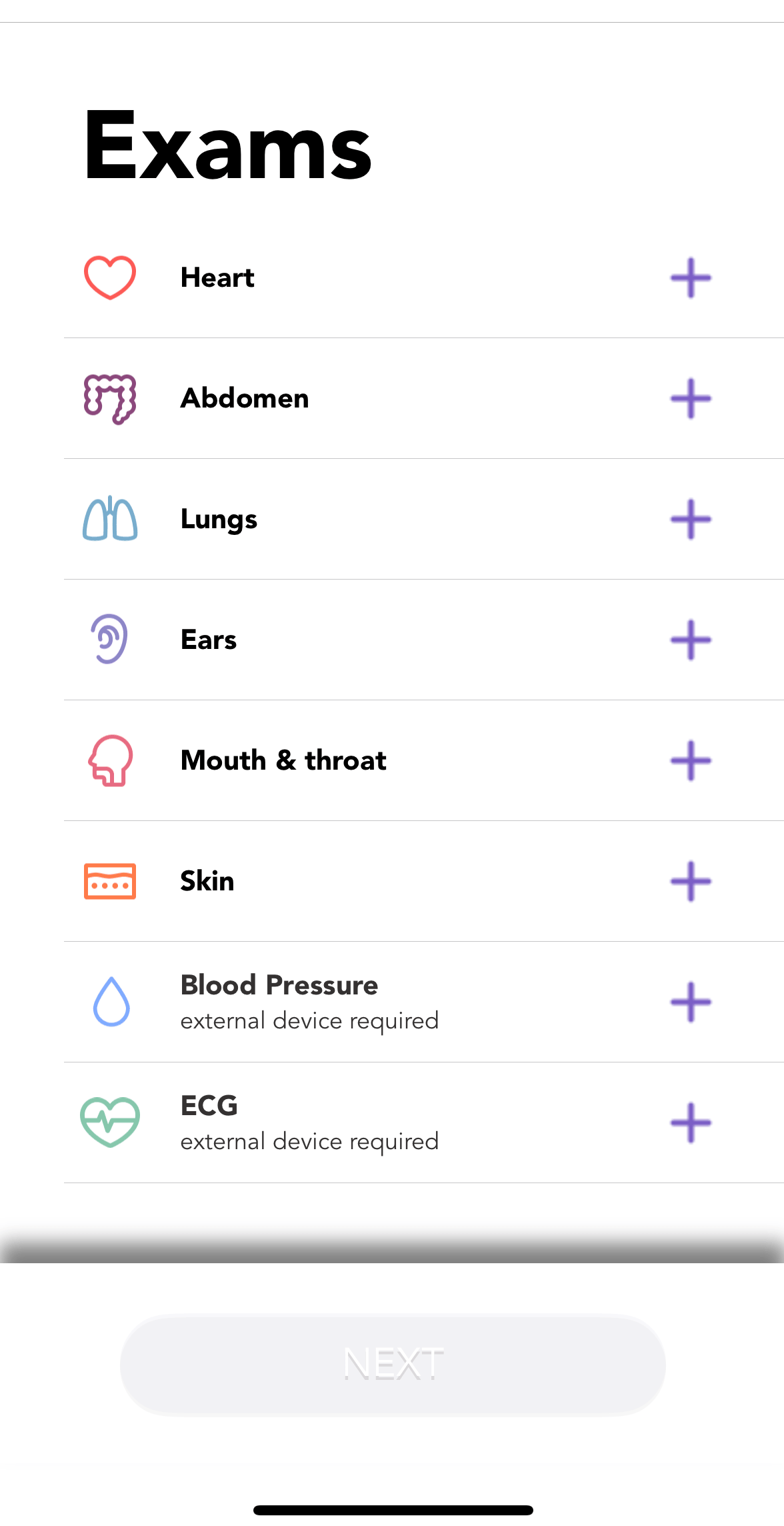
3. Select Blood Pressure from the exams menu

Add Your Tooltip Text Here

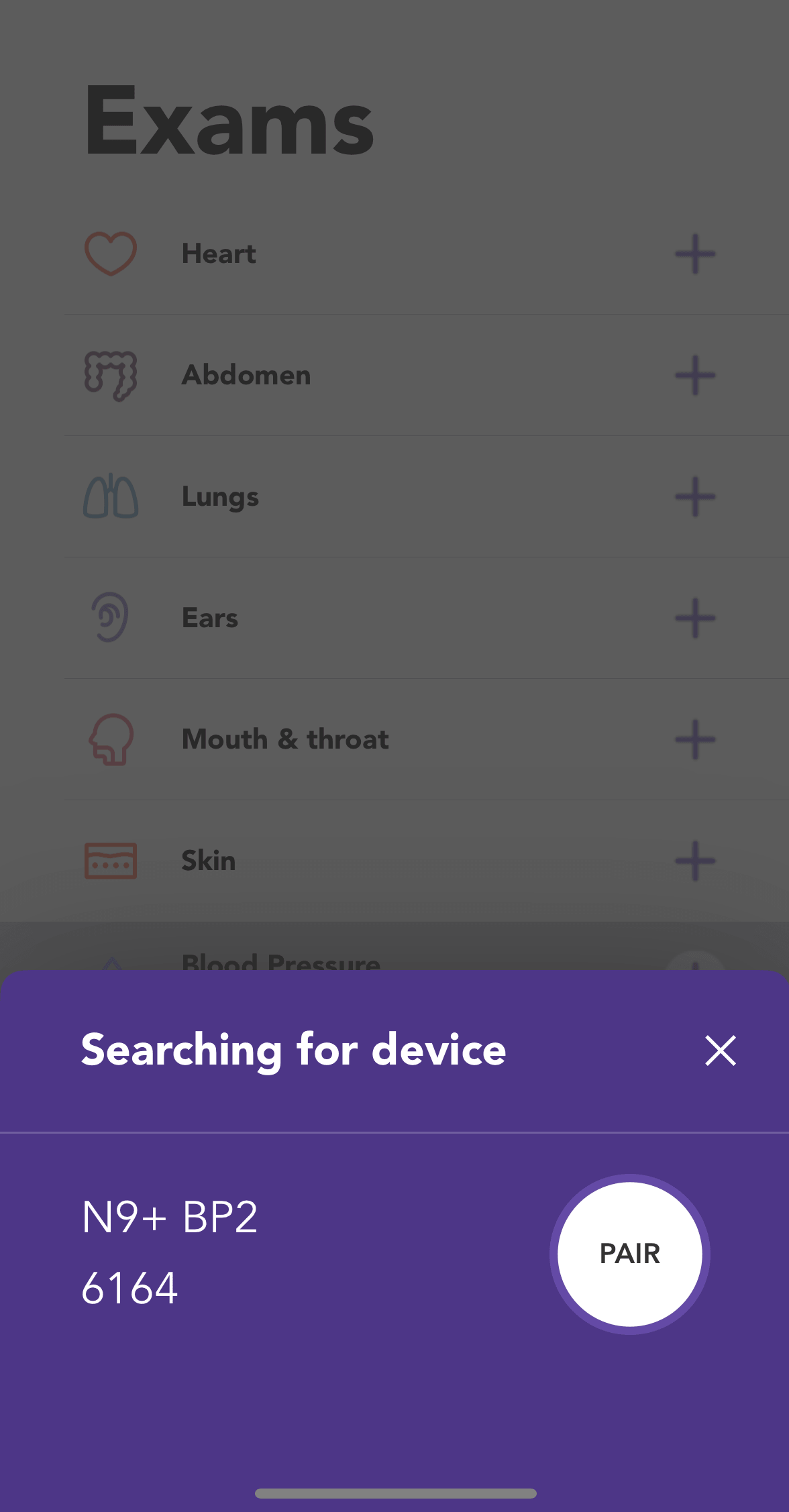
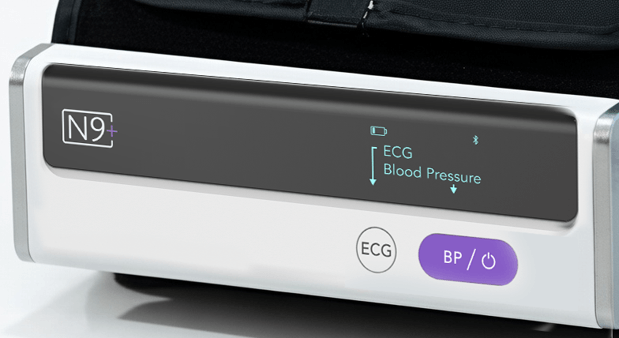
4. Press the Power button on the “N9+ Blood Pressure Monitor with ECG” device and tap “Pair” 

Add Your Tooltip Text Here

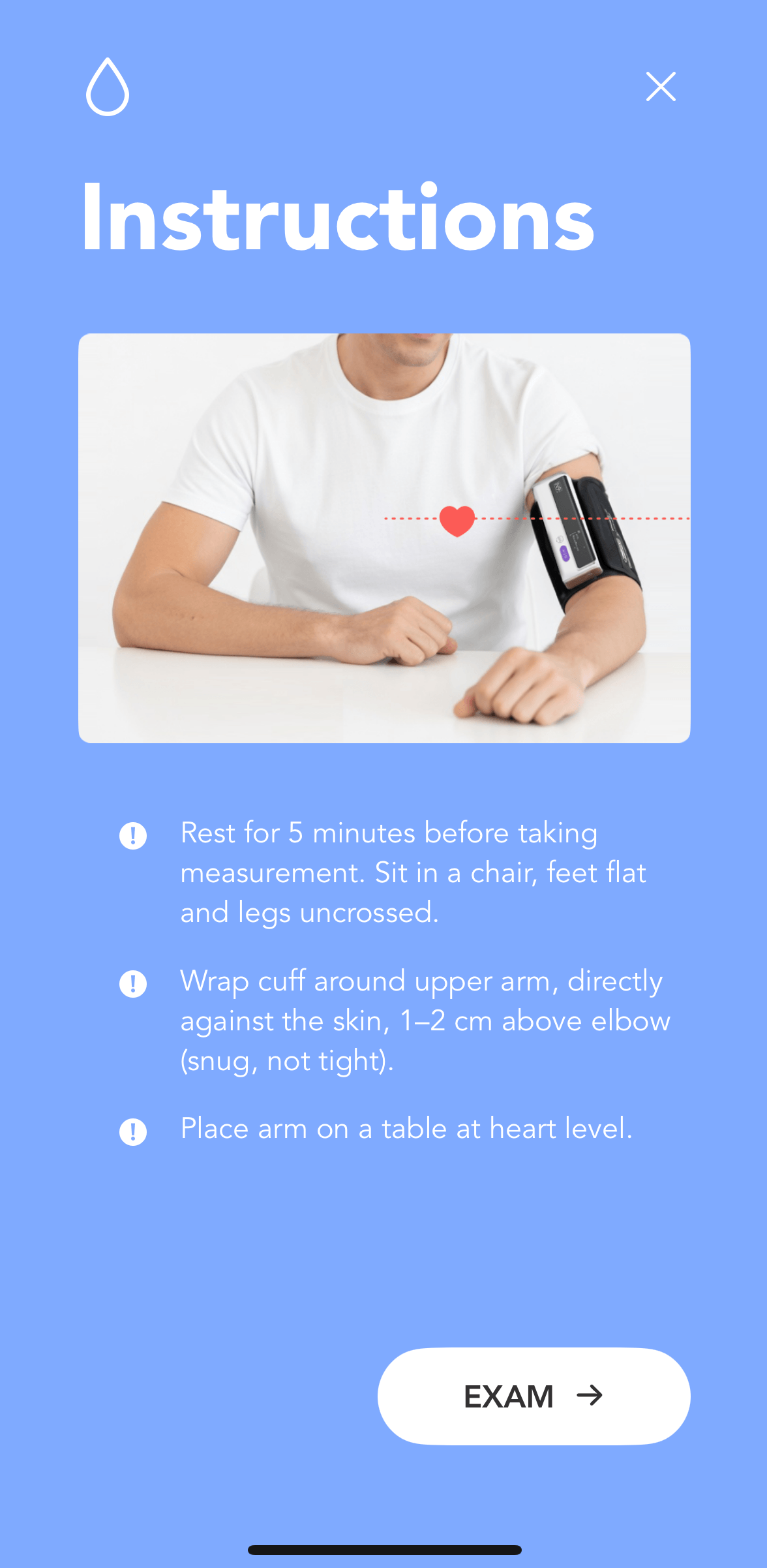
5. Read the instructions and press “Exam” to reach the exam screen

Add Your Tooltip Text Here

6. Press the BP button on the device 

Add Your Tooltip Text Here

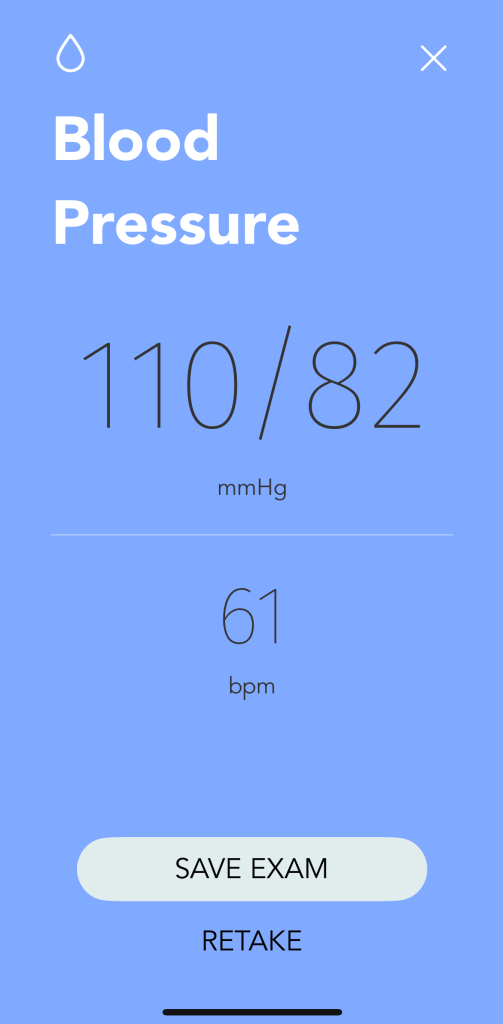
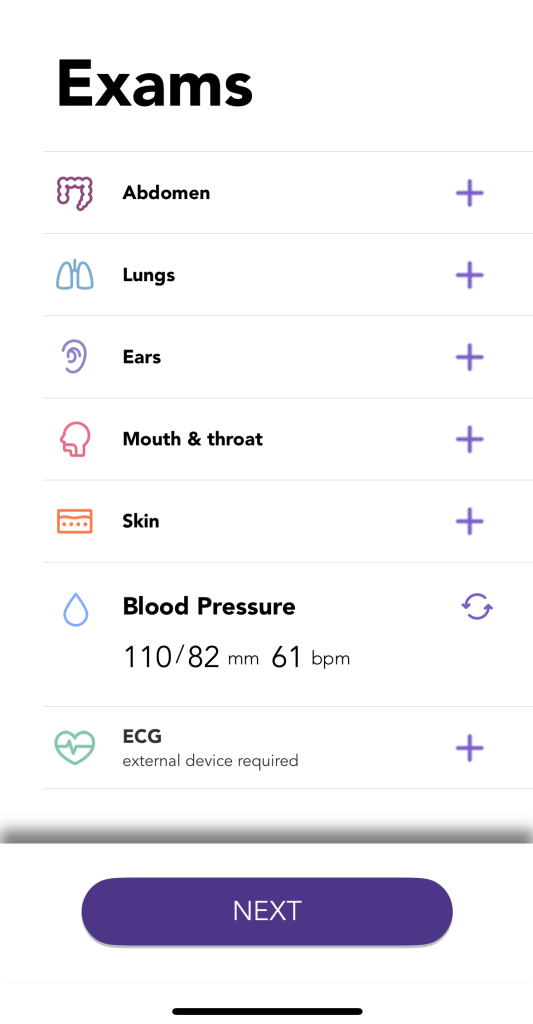
7. Stay still and quiet during the measurement and wait until result is displayed. Save the exam or retake if needed. 

8. The exam will appear in the exams menu screen

Exam Tips

  • Remove tight-fitting and thick clothing from your arm
  • Rest for 5 minutes before taking measurement. Sit in a chair, feet flat and legs uncrossed
  • Wrap cuff around upper arm, directly against the skin, 1–2 cm above elbow (snug, not tight), leaving enough room for two fingers to be inserted between the cuff and the skin
  • Place arm on a table at heart level

Table of Contents

Share this page

Leave us a message

Business hours are M-F 9:00 AM to 5:00 PM PST