This exam requires an external device separate from the N9+ kit
Step-by-Step Instructions
1. Launch the App, and login to your N9+ account
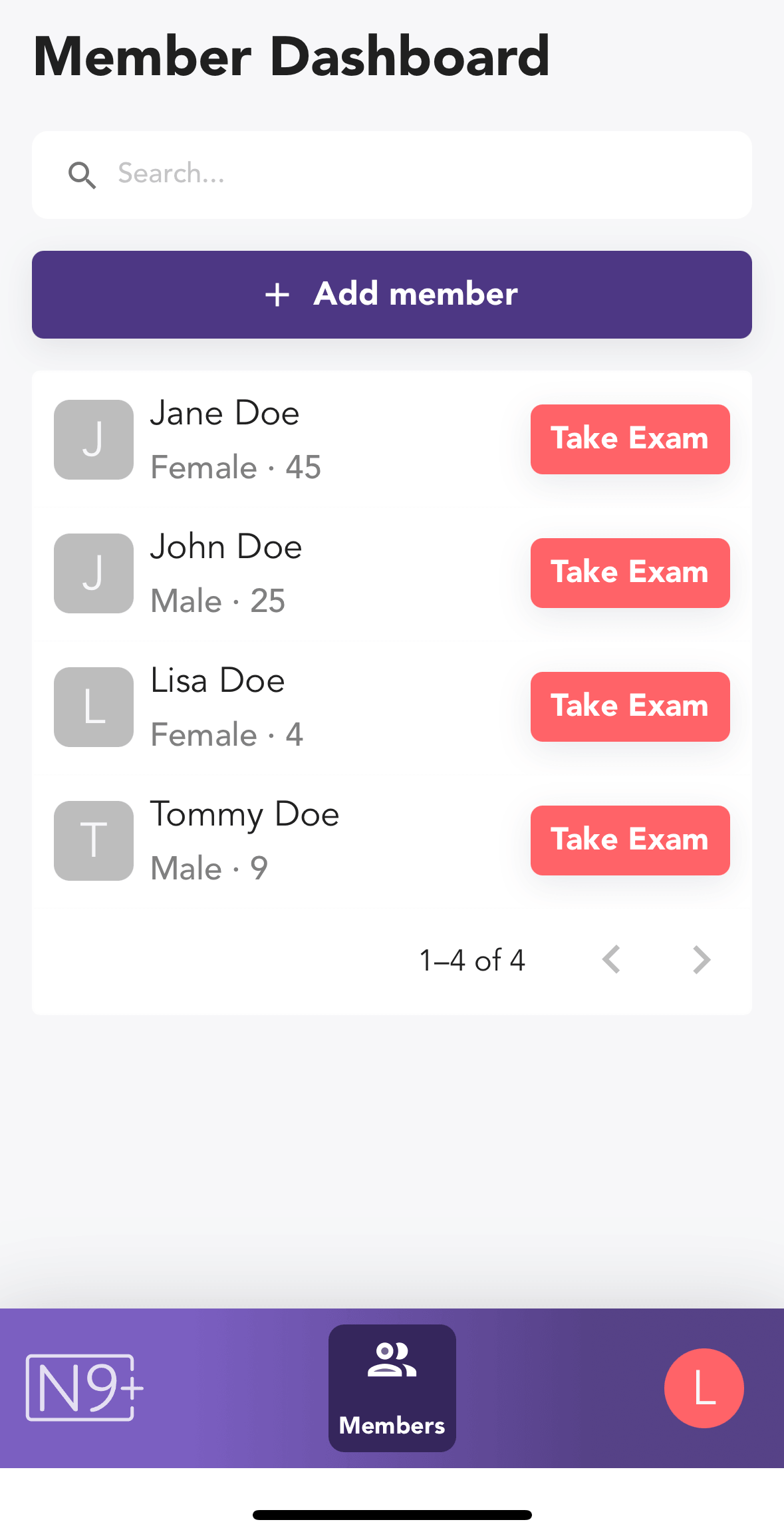
2. In the Member Dashboard, tap the Take Exam button for the patient you wish to perform the exam on
Add Your Tooltip Text Here
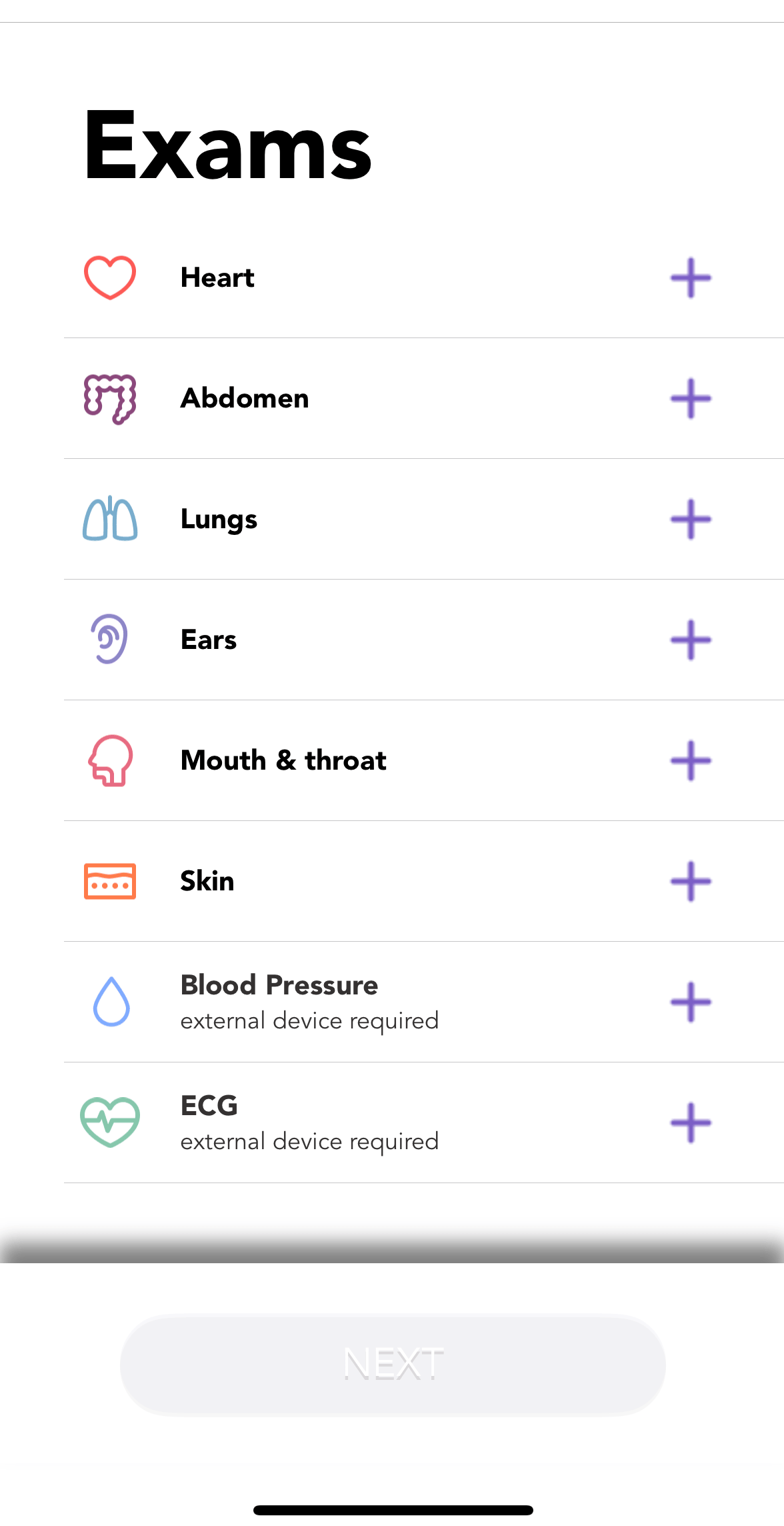
3. Select ECG from the exams menu
Add Your Tooltip Text Here
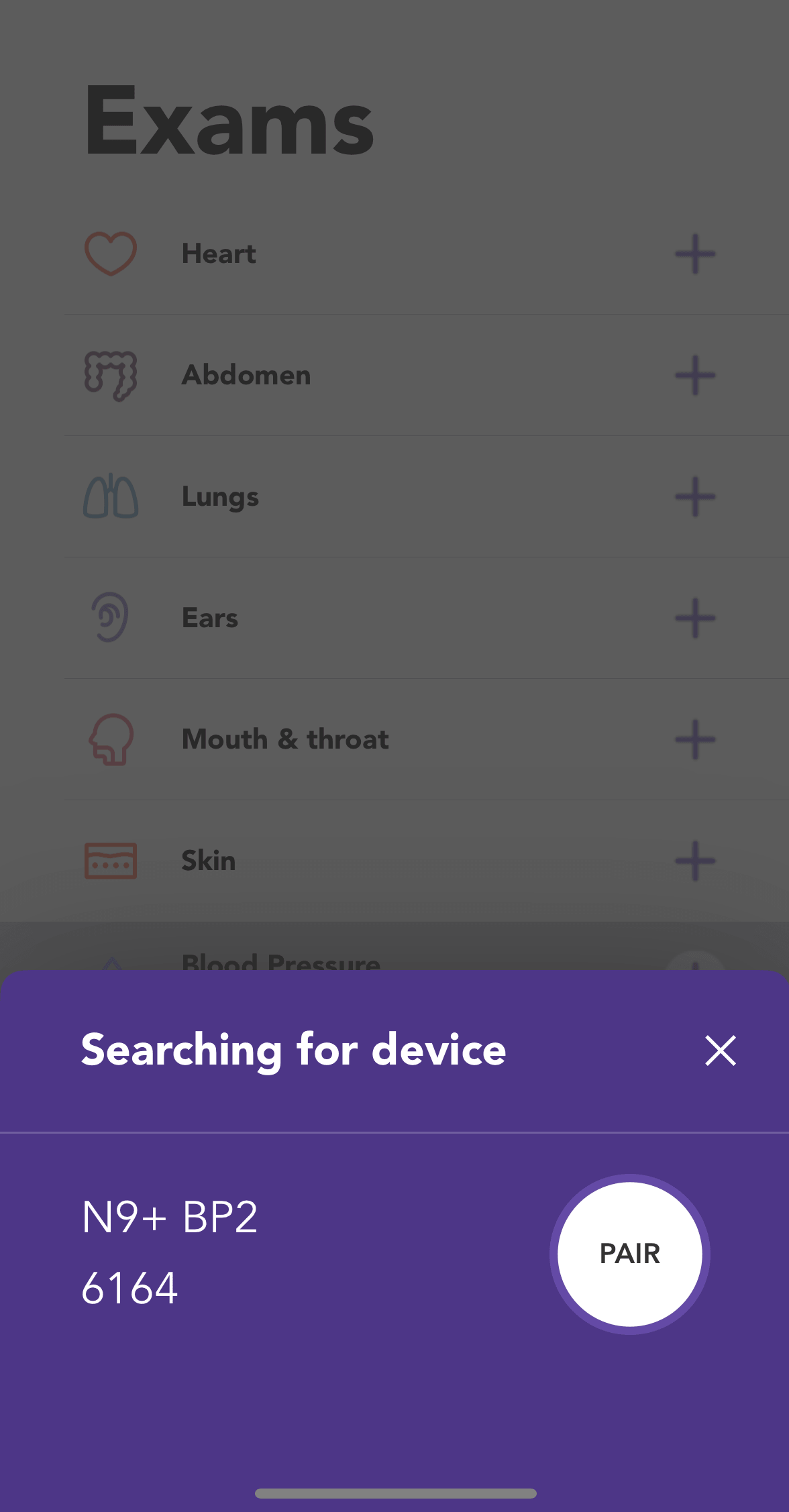
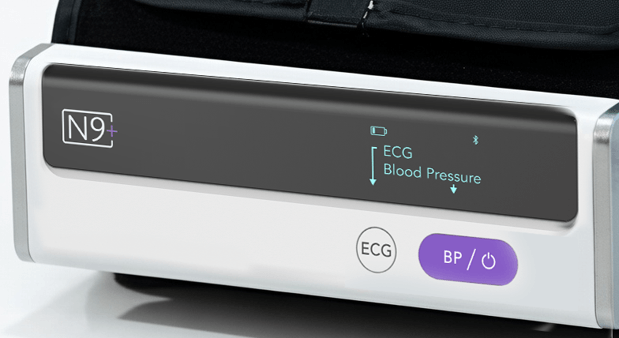
4. Press the Power button on the “N9+ Blood Pressure Monitor with ECG” device and tap “Pair”
Add Your Tooltip Text Here
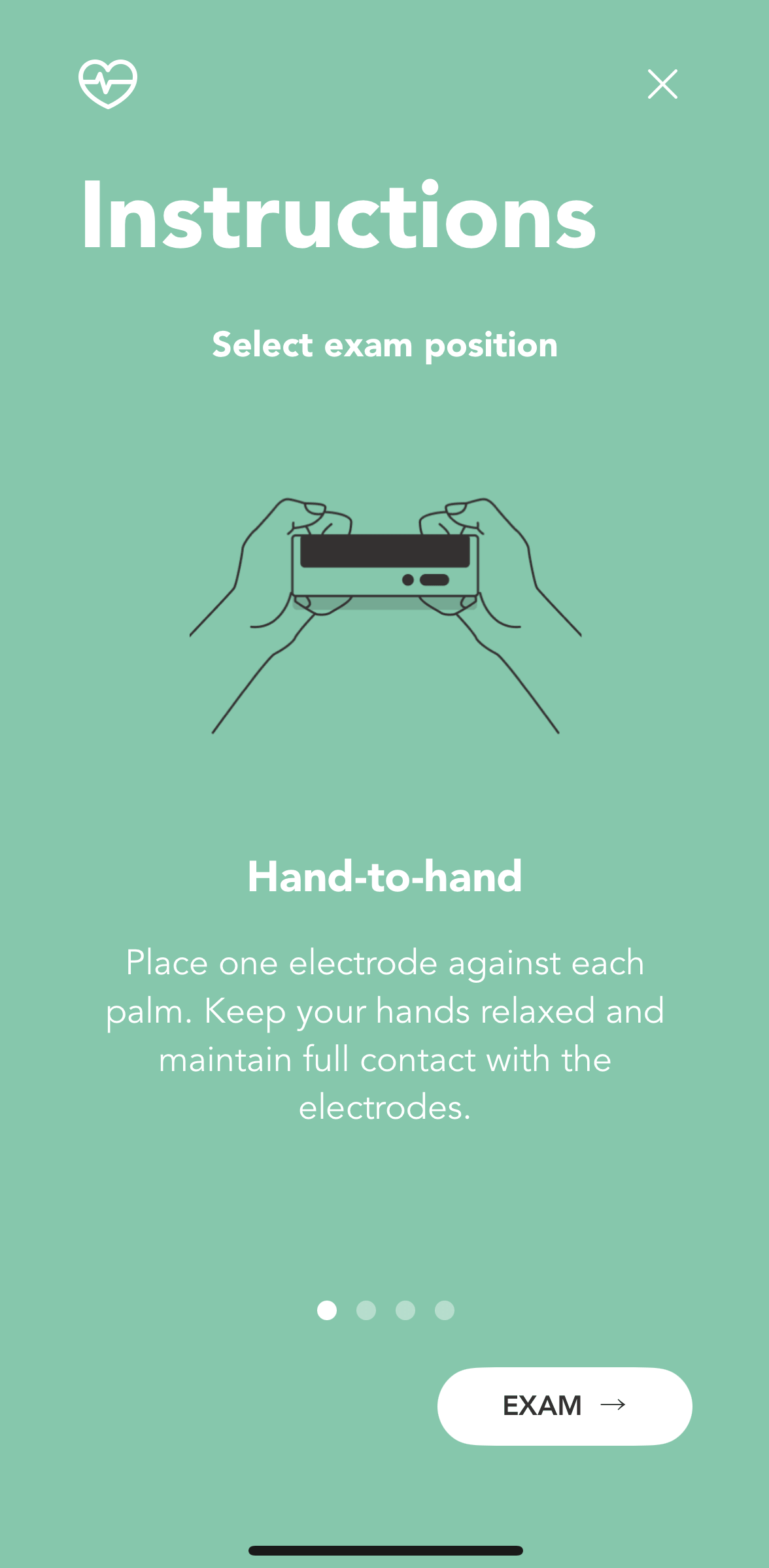
5. Browse through the optional positions and after reading the instructions press “Exam” to reach the exam screen
Add Your Tooltip Text Here
6. Press the ECG button on the device
Add Your Tooltip Text Here
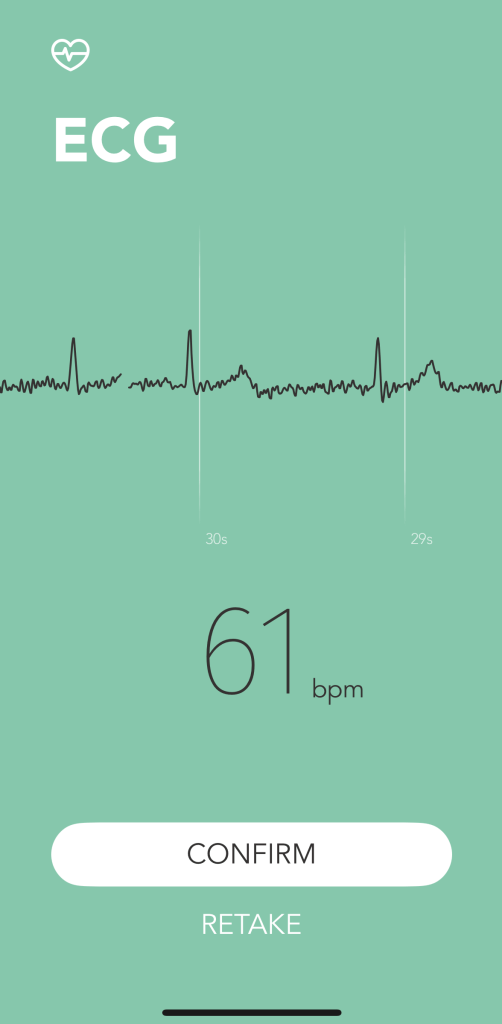
7. Stay still and quiet during the measurement and wait until result is displayed. Confirm the exam or retake if needed.
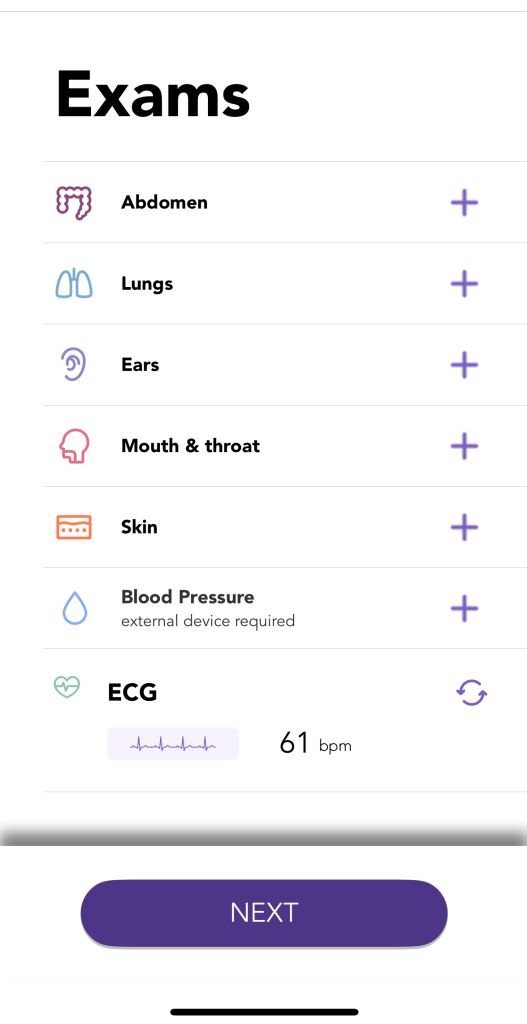
8. The exam will appear in the exams menu screen
Exam Tips
- The ECG electrode must be positioned directly against the skin
- If your skin or hands are dry, moisten them using a damp cloth before taking measurements.
- While taking measurements, do not touch your body with the hand with which you are taking measurements.
- There must be no skin to skin contact between your right and left hand. Otherwise, the measurements cannot be taken correctly.
- Stay still while taking measurements, do not speak and hold the device steady. Movements of any kind will falsify measurements.
- If possible, take measurements when sitting and not when standing.